Customer data is synchronized with your accounting software, whether created in QuickBooks or Pay Sync. Creating a new customer in Huntington AR Connect is easy.
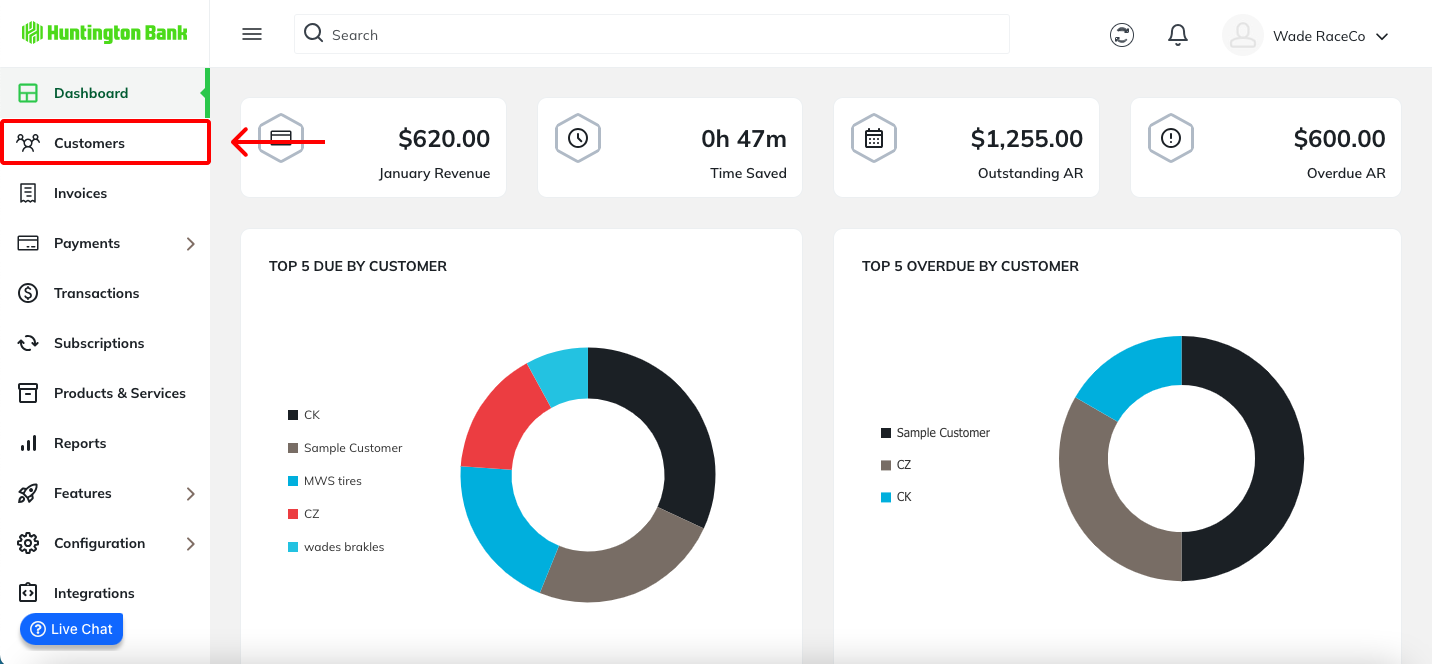
From the navigation menu, select Customers.
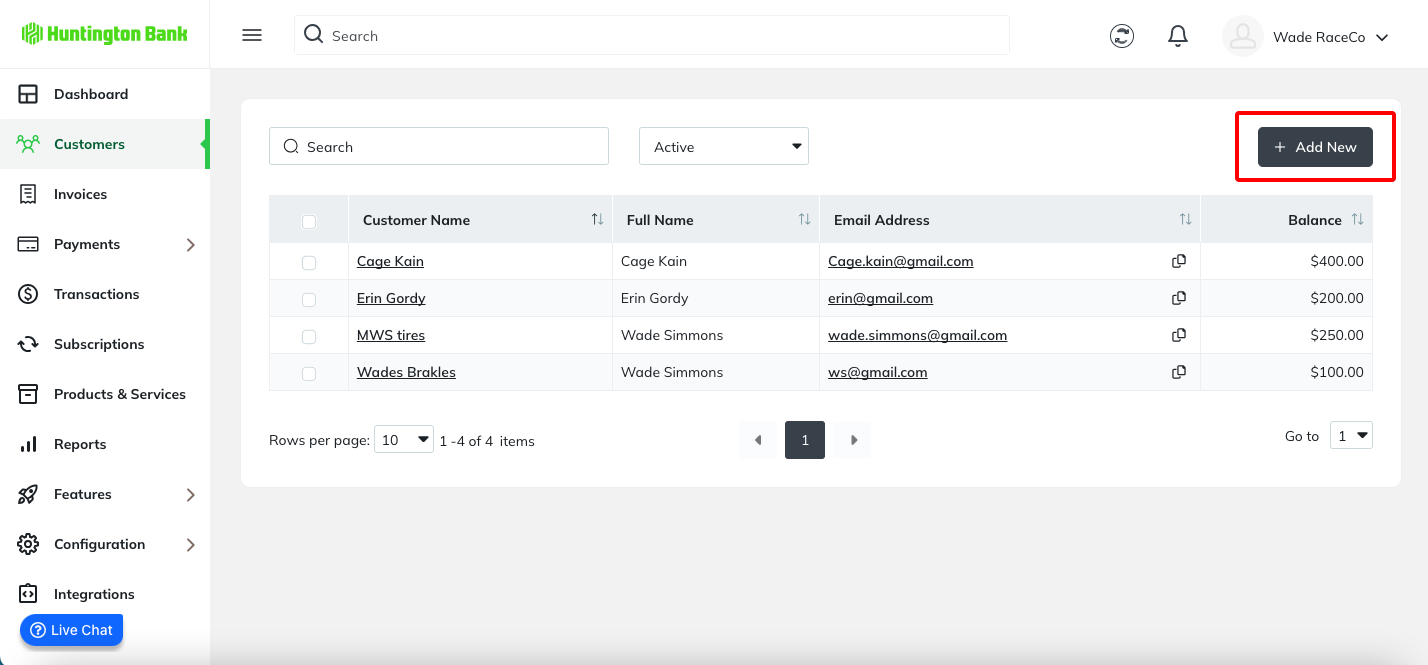
On the Customers page, click the Add New button.
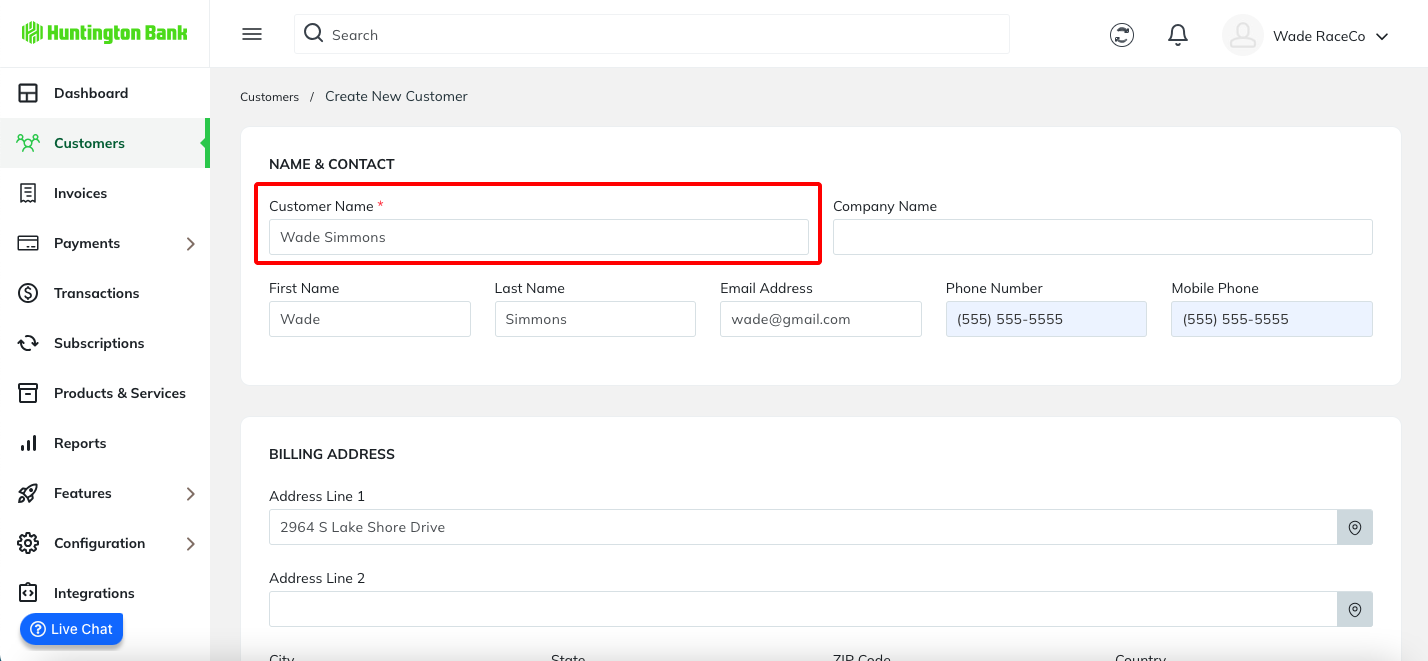
The form to Create New Customer will appear. Please note that only the customer name is required. The remaining fields are optional. Once the details are filled out, click Save.
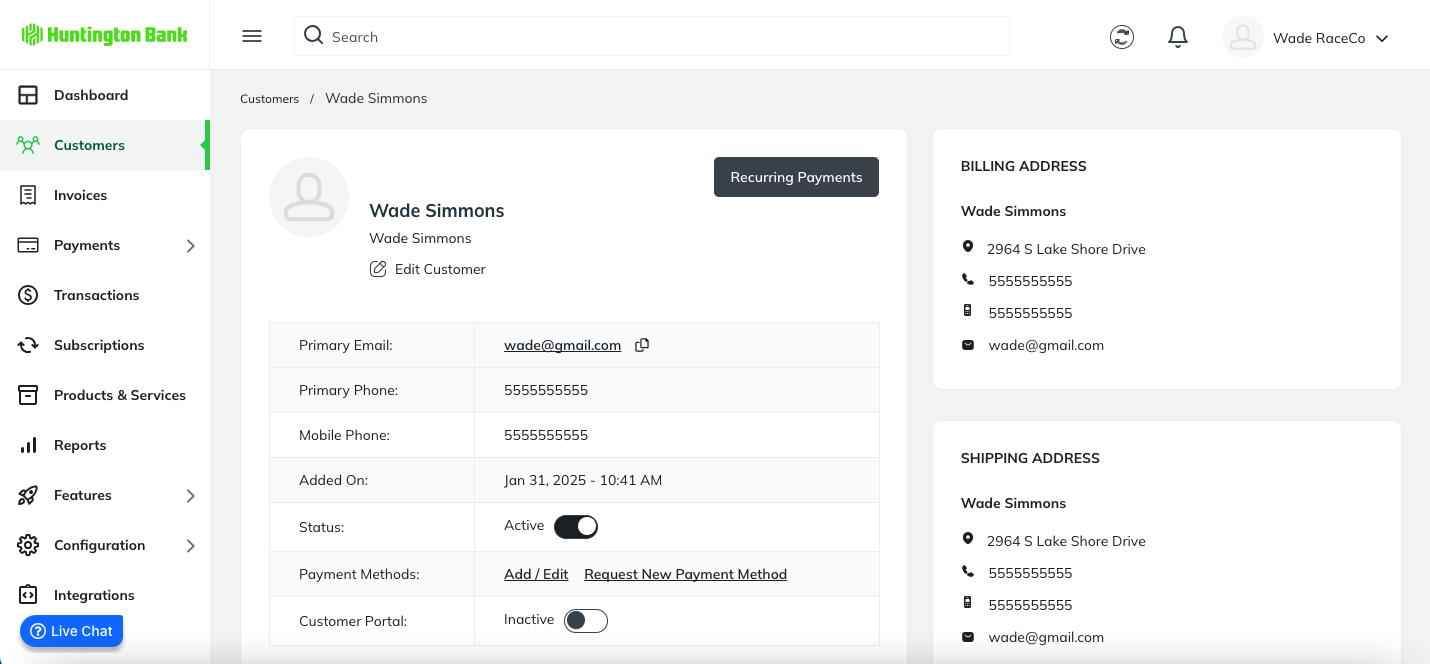
A success message will appear, then you will be directed to the customer details page.
Was this article helpful?
That’s Great!
Thank you for your feedback
Sorry! We couldn't be helpful
Thank you for your feedback
Feedback sent
We appreciate your effort and will try to fix the article